Falling asleep mid-show?
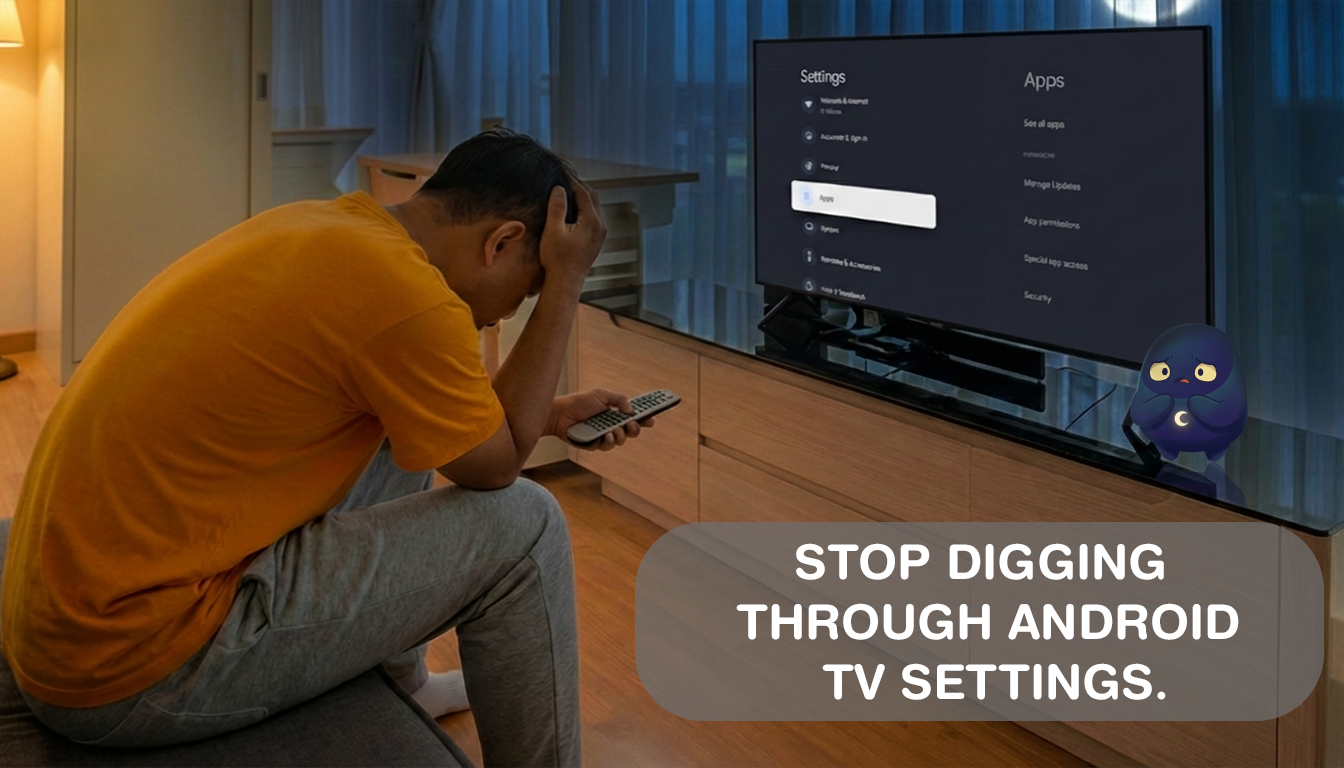
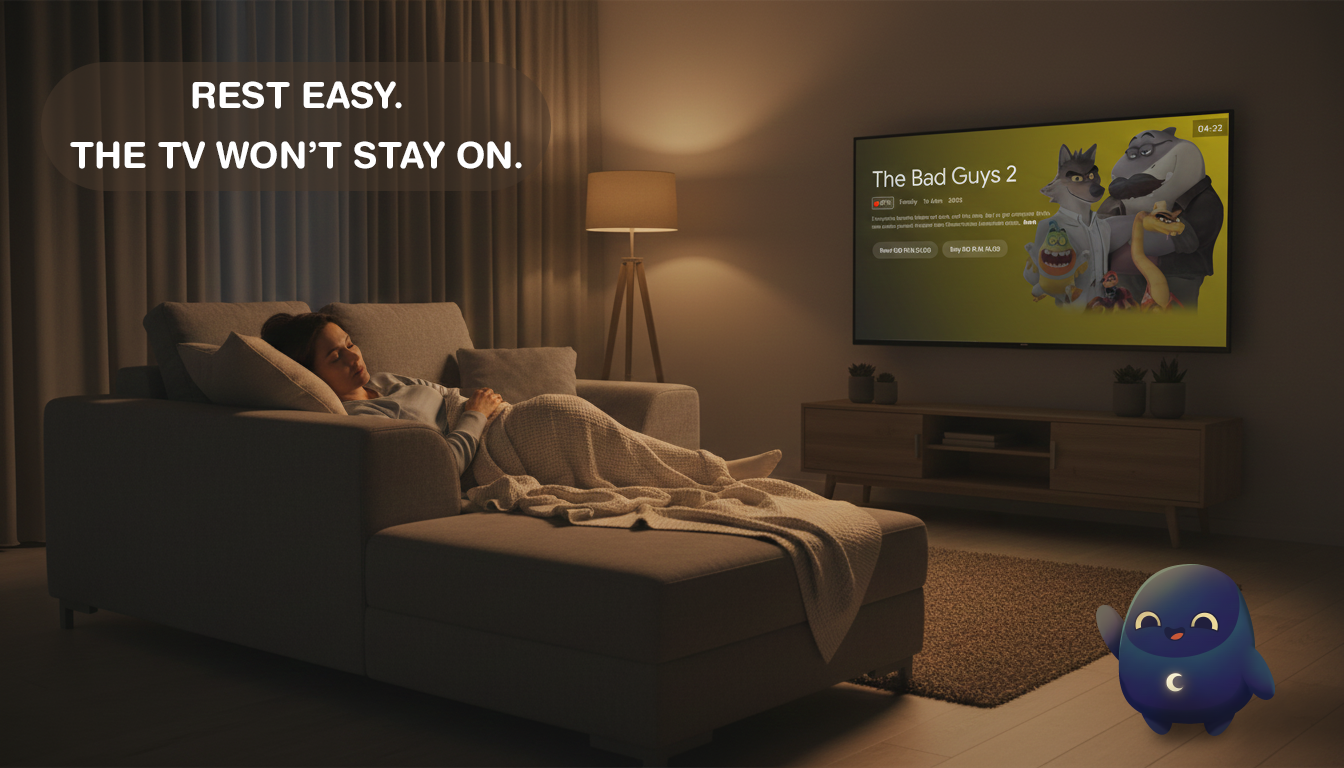
Your TV blares all night, draining electricity and ruining your sleep quality with noise and light.
Set it once. Sleep deeply.
Your TV sleeps when you do.
Set a simple timer and fall asleep worry-free. Sleep Timer automatically powers off your Android TV, saves energy, keeps your OLED screen burn-in free, and puts kids' screen time on cruise control.
See how Sleep Timer works and what features it has.
You've been there. Sleep Timer fixes all of it.
Your TV blares all night, draining electricity and ruining your sleep quality with noise and light.

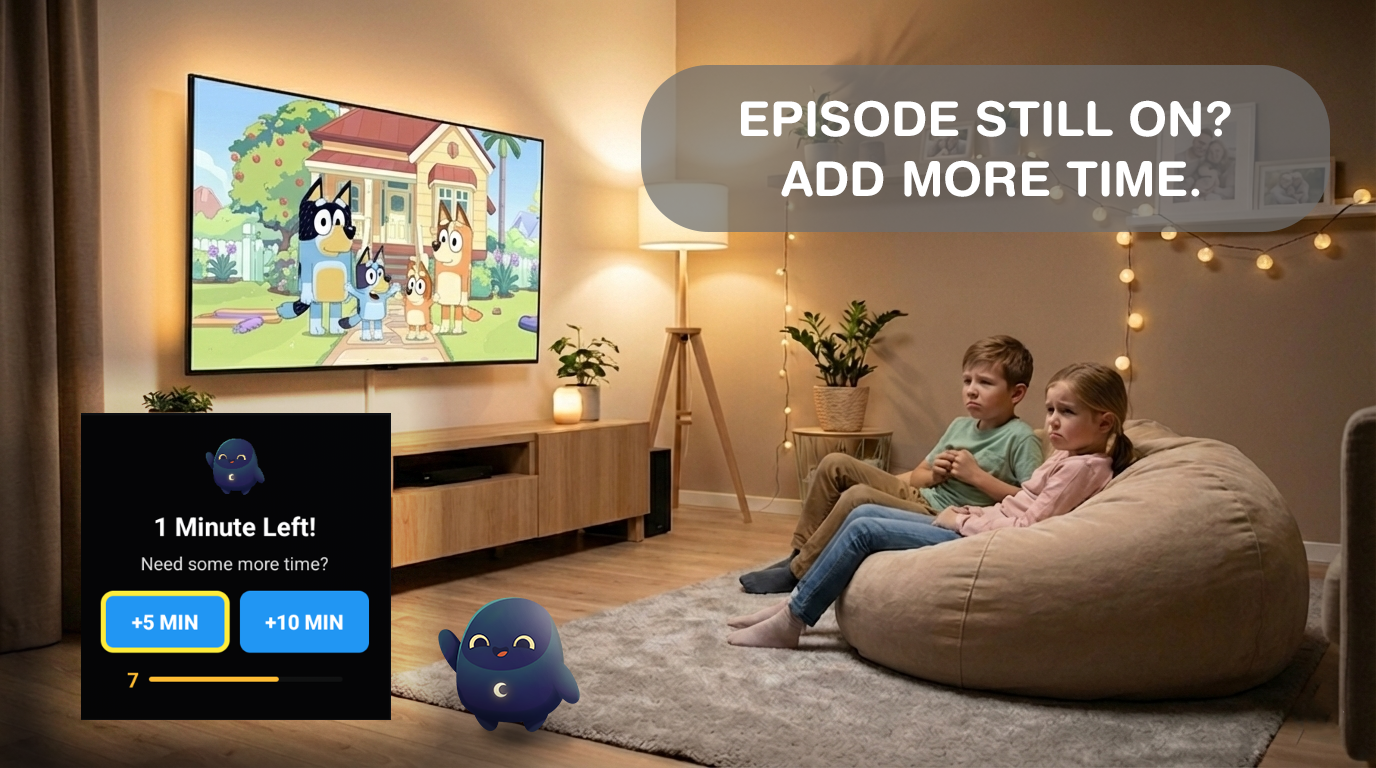
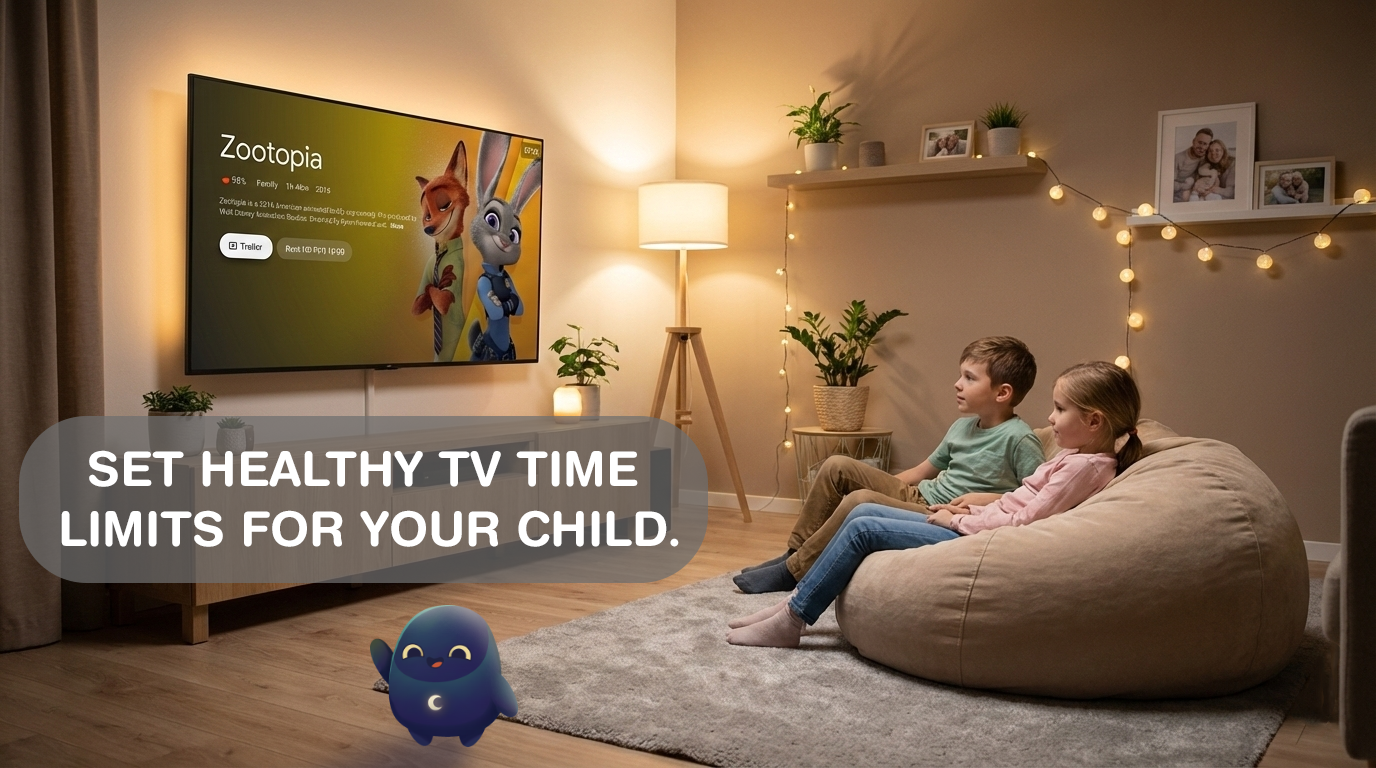
"Five more minutes" turns into two hours. Screen time rules fall apart without an automatic enforcer.

Static images burning into your expensive OLED panel overnight is a very real – and permanent – problem.
Powerful for power users. Simple enough to use blind in the dark.
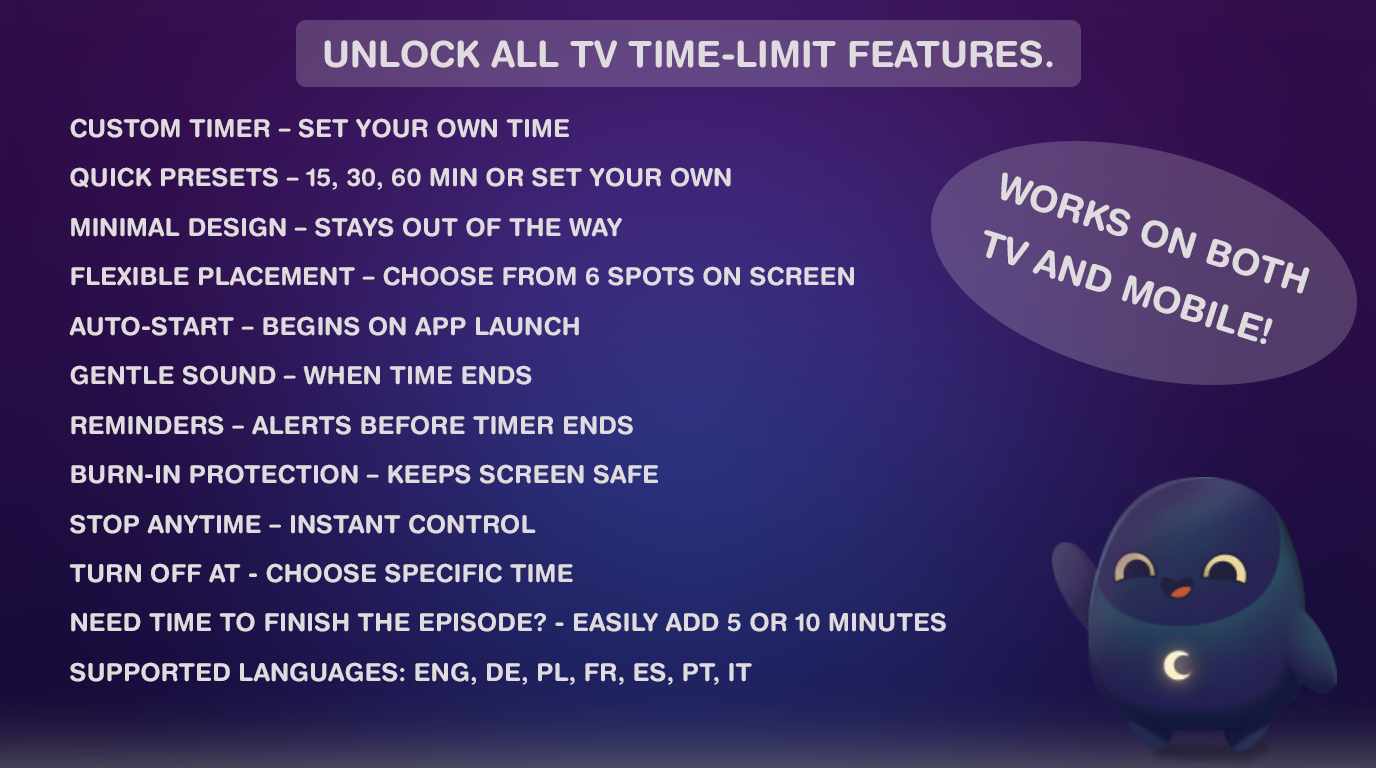
One-tap shutdown timers at 15, 30, or 60 minutes. Remote-friendly and instantly usable from your couch.
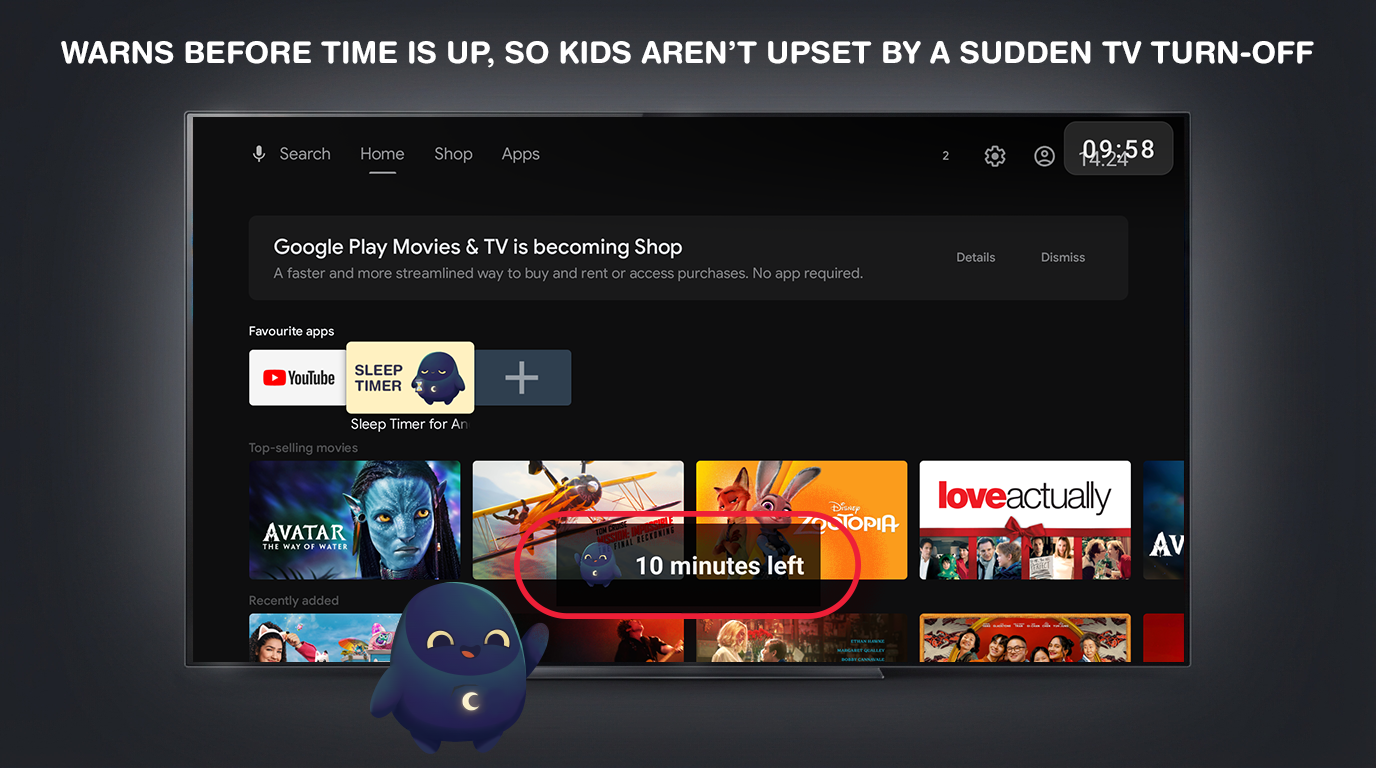
A minimalist countdown stays visible on top of any streaming app – Netflix, YouTube, Plex, or anything else.
A utility this simple should never be cluttered with ads. The free version is clean, honest, and distraction-free.
Built natively for the Android TV interface. Large, accessible buttons designed for D-pad and remote navigation – no touchscreen needed.
Download, open, and set your timer in under 10 seconds. No signup, no account, no personal data collected.
Use Sleep Timer on your phone or tablet just as naturally as on TV. The interface adapts to touchscreens – tap, set, done. Same great experience, whatever screen you reach for.
Set any duration you need – 7 minutes, 45 minutes, 2 hours. No limit, your exact preference.
Schedule the TV to shut off at a specific time – "turn off at 11:30 PM" – perfect for bedtime routines.
A gentle nudge appears before shutdown. If you're awake, extend with one button press. If you're asleep – bed wins.
One tap to repeat your last timer settings. Build your perfect bedtime ritual without rethinking it every night.
Full pause, resume, +/- minute controls without restarting the app. Stay in charge even after the timer starts.
Mid-show bathroom break? Extend the timer without navigating away. Seamless, smooth, and frictionless.
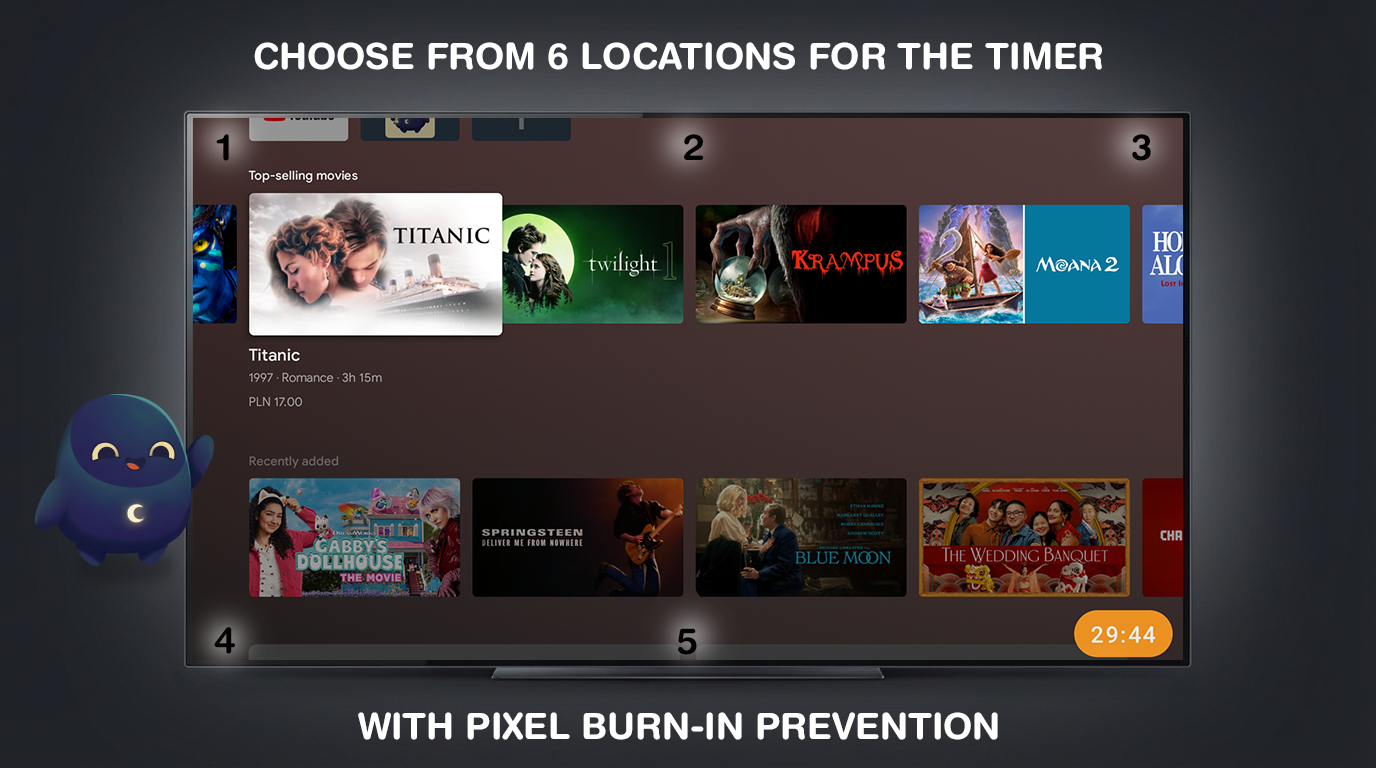
The overlay uses pixel-shifting technology – gently repositioning the timer graphic to prevent static image retention on OLED & LED displays.
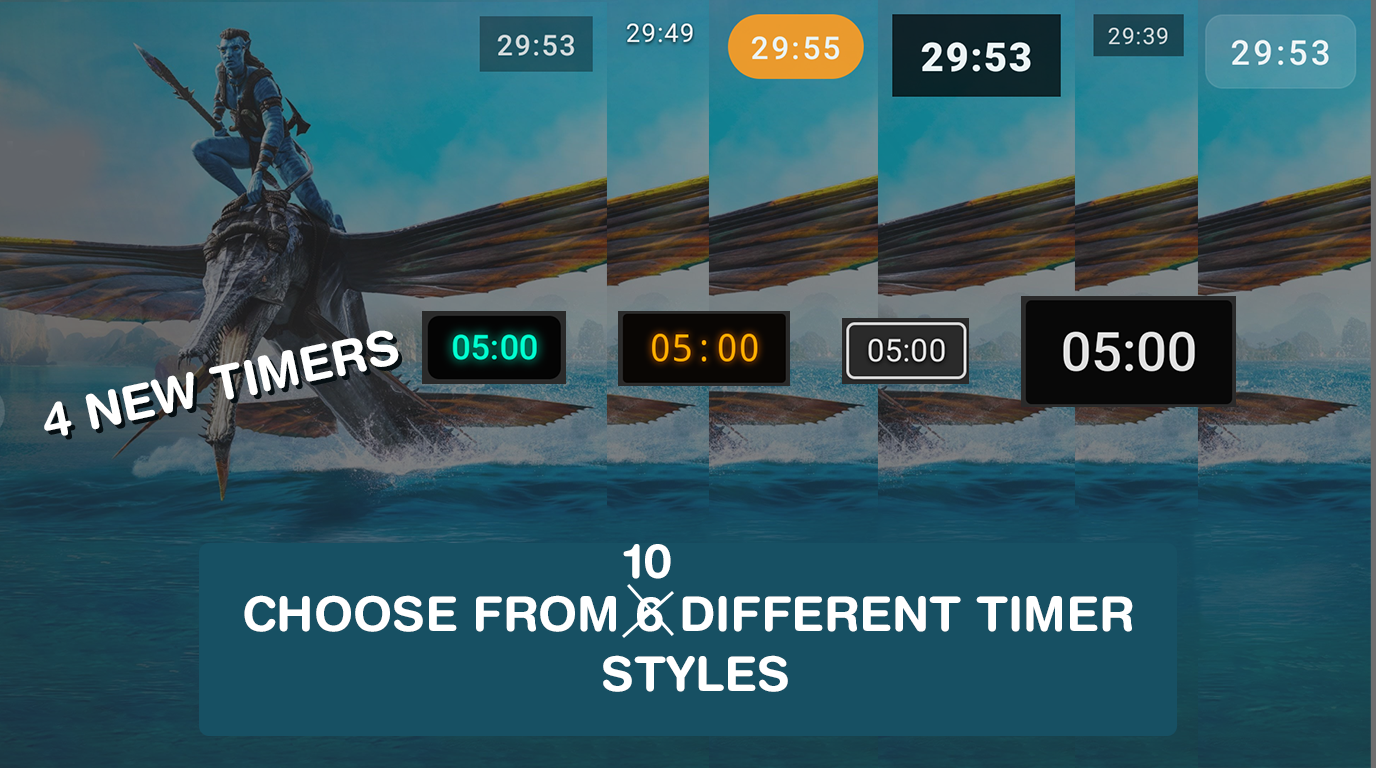
Choose the timer look that fits your screen best. Pro unlocks multiple overlay styles so you can match visibility, aesthetics, and placement to your setup.
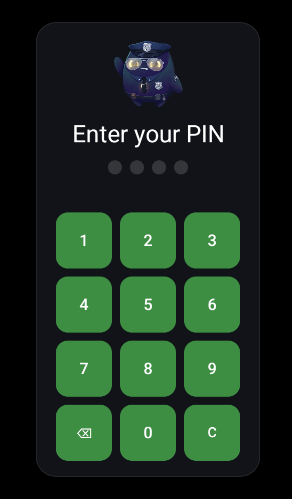
The app requires a PIN when the device turns back on after the sleep timer has shut it off – an extra layer of control over who can restart the TV.
No subscription. No renewal. No surprise charges. Pro is a single one-time purchase that stays with your Google Play account permanently – on every device, for life.
Designed for TV – spacious, clear, and perfectly readable from across the room.
No tech expertise needed. Three steps and you're done.
Download for free on Google Play. Grant the Accessibility Service permission once – this allows the timer overlay and auto-shutdown to work smoothly across all apps.
Pick a 15, 30, or 60-minute preset – or set a custom duration and exact shutdown time with Pro. One button and you're back to your show.
The minimalist countdown overlay keeps you informed. When the timer hits zero, your TV powers off automatically. Your OLED is protected, your energy bill is lower, and kids are in bed on time.
Every major Android TV 8.0+ device out of the box – and fully touch-optimized for phones and tablets too, so the experience is just as smooth no matter which screen you're on.
Shield TV & Shield TV Pro
Android TV & Google TV models
Mi Box S, Mi Box 4K, Mi Stick
Chromecast with Google TV (HD & 4K)
All Android TV & Google TV models
Android TV-powered Hisense lineup
Ambilight & standard series
Android TV & Google TV variants
Requires Android TV 8.0 Oreo or later. If your TV runs Android TV, it runs Sleep Timer. · Also runs natively on Android phones & tablets – touch-optimized and just as effortless.
Everything you want to know before installing.
Yes! Sleep Timer is fully compatible with Google TV and Chromecast with Google TV, as well as every device running Android TV 8.0 or later – including NVIDIA Shield, Sony Bravia, Xiaomi Mi Box, TCL, Hisense, Philips, and Sharp.
The core app is 100% free and permanently ad-free. You can set 15, 30, or 60-minute auto-shutdown timers at zero cost, forever. The optional Pro upgrade is a one-time in-app purchase that unlocks custom durations, exact clock-time scheduling, selectable timer styles, the Still Watching prompt, and more – no subscription, ever.
The timer overlay uses pixel-shifting technology – it subtly moves the on-screen graphic by a few pixels at regular intervals. This prevents any single pixel from displaying a static image for too long, actively protecting your OLED or LED display from permanent image retention (burn-in) damage. Your expensive screen investment is safe.
Android TV doesn't offer a standard API for third-party apps to power off the device. The Accessibility Service permission lets Sleep Timer display its overlay on top of other streaming apps and execute the shutdown command when your timer expires. No personal data is accessed or monitored. This is confirmed under Google's Play Families Policy review.
The "Still Watching?" prompt (Pro feature) appears on screen a few minutes before the timer is up. If you're still awake and watching, one button press extends your session – no need to re-open or reset the app. If you've already fallen asleep, the countdown finishes and the TV powers off automatically. Best of both worlds.
Absolutely. Set a timer before the kids start watching and the TV will power off when time is up – automatically, no negotiating. With the Pro upgrade, you can also schedule an exact shutdown time (e.g. "always off by 9:00 PM") for a consistent, rule-based routine that runs itself.
Yes – with the Pro upgrade. You get full pause/resume controls and +/- minute adjustments without stopping and restarting the timer. The free version uses convenient set-and-forget presets that work great for most use cases.
Yes. Sleep Timer for Android TV is fully tested and compatible with NVIDIA Shield TV and Shield TV Pro, as well as Xiaomi Mi Box S/4K, Mi Stick, Sony Bravia Android TV lineup, all Google TV devices, TCL, Hisense, Philips, Sharp, and any device running Android TV 8.0 or later.
Zero. No personal data is collected, no tracking, no analytics sent to third parties. Sleep Timer has been reviewed and verified under Google's Play Families Policy. It's a simple utility – it does one thing well, and your privacy is none of its business.
Not at all. The app is extremely lightweight – its purpose is to turn your TV off, saving power. It runs a simple background countdown and an optional lightweight overlay. Most Android TV devices are plugged in permanently, so this is essentially a non-issue.
No — it's a one-time purchase.
The price varies by country and is shown before purchase in the app.
Your TV will turn itself off. Your OLED screen is protected.
Your kids will actually go to bed. Your energy bill will thank you.

Free forever. Optional Pro upgrade available. No subscription.